
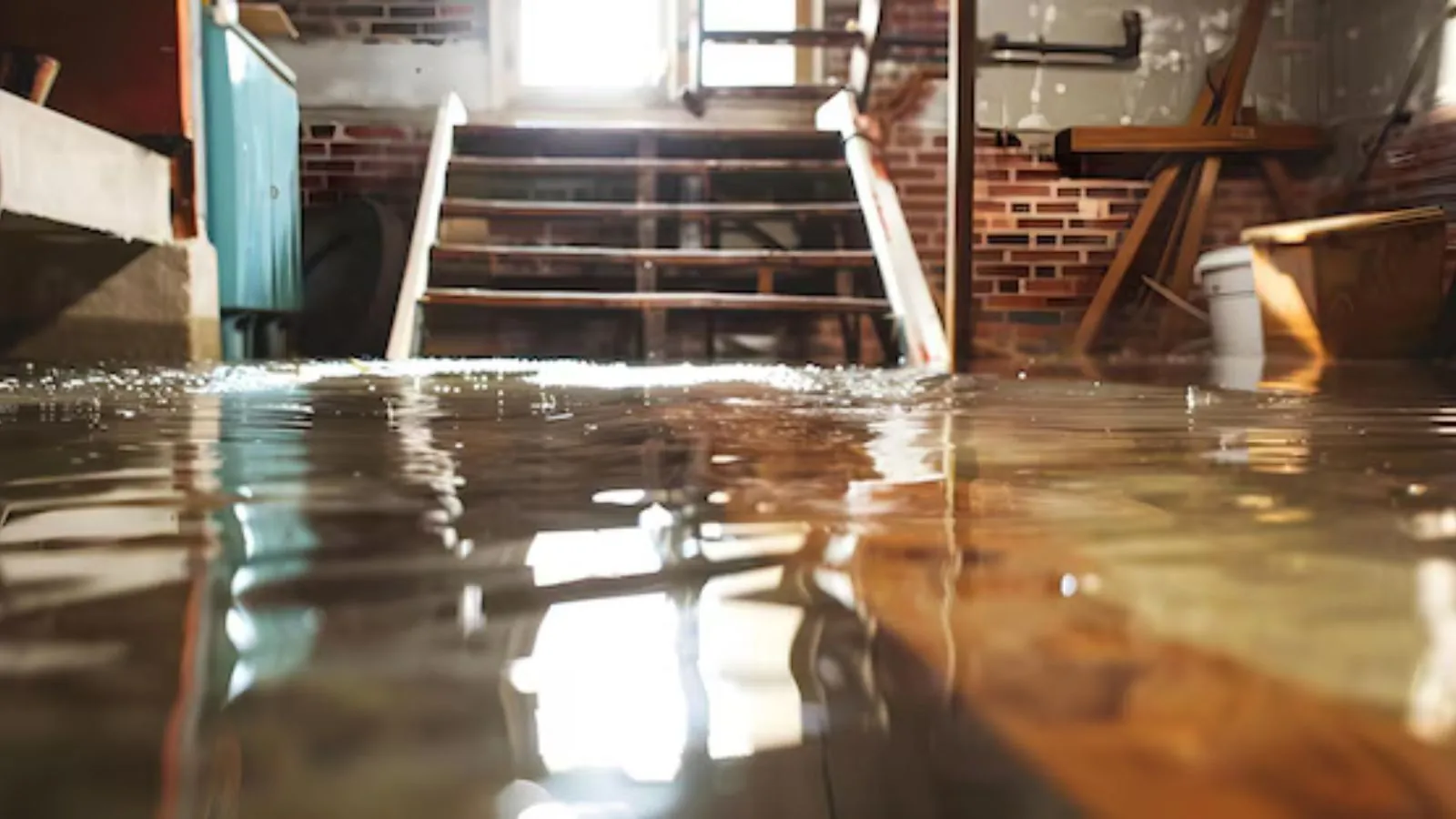
Safety comes before salvage
Water conducts electricity well enough to kill. If water is touching outlets, power strips, cords or appliances, the water itself may be energized. You cannot tell by looking.
- Do not step into standing water in a room where anything is plugged in
- Do not touch a wet appliance, switch or outlet
- Do not unplug anything while standing on a wet floor
- Do not go into a flooded basement to reach the breaker panel
If you cannot reach the panel from a dry place, do not try. Call your electric utility to disconnect power at the meter, or call 911 if anyone is at risk.
When it is safe to unplug
| Situation | What to do |
|---|---|
| Floor is dry where you stand, device and outlet are dry | Unplug normally |
| Small spill near a device, floor otherwise dry | Switch off the circuit at the panel first, then unplug |
| Water on the floor, panel is in a dry area you can reach | Turn off the breakers for the wet rooms, then enter |
| Water on the floor and at the panel | Stay out and call the utility |
| Water coming through a ceiling light or fan | Turn off that circuit from a dry spot, keep clear |
Turning off the main breaker is safer than hunting for individual circuits if you are unsure which is which. Use one dry hand and stand to the side of the panel.
What water does inside a device
Three things happen. First, a short circuit. Water bridges contacts that should be separate, and if the device has power, components can burn out at once. This is why a wet phone that is switched off has better odds than one left on.
Second, corrosion. Minerals and impurities in water react with metal contacts and solder. This continues for days or weeks after the device looks dry. A laptop that works on day three can fail in month two.
Third, residue. Dirty water leaves conductive deposits on circuit boards. Clean supply water is the least harmful. Flood and sewer water are the worst.
Small electronics: phones, laptops, tablets
- Power off immediately. Do not check whether it still works.
- Unplug chargers and remove the battery if it comes out.
- Remove cases, SIM trays and memory cards.
- Blot dry and stand the device so water can drain from ports.
- Leave it in a dry room with moving air for at least two days.
- Have a repair shop open and clean it before powering on if it matters to you.
Skip the bag of rice. It does little that open air does not, and it can leave dust in ports. Do not use a hair dryer or oven. Heat damages screens, adhesives and batteries.
Televisions, computers and audio gear
If a set was splashed or dripped on, unplug it once safe and let it dry for several days before trying it. If it sat in water or had water run through it from above, assume internal damage. Have it assessed or replace it.
Desktop computers are more repairable than most things. Even when the machine is ruined, the drive often is not, and data can usually be recovered. Tell a recovery service that the drive was wet and do not power it up yourself.
Large appliances and building systems
A furnace, water heater, washer, dryer, refrigerator or freezer that stood in water should not be restarted until a qualified technician has inspected it. Motors, control boards, gas valves and insulation can all be compromised.
The same is true of the house wiring. Outlets, switches, breakers and the panel itself may need replacing if they were submerged. An electrician decides that, not a restoration crew. We dry the structure and work alongside the electrician.
When a water heater is the appliance that leaked, see water heater leak cleanup for the damage around it.
Who to call in Maryland Heights
The City of Maryland Heights lists Ameren as the electric provider at (800) 552-7583 and Spire as the gas provider at (314) 621-6960. Save both numbers now. If water has reached your panel or a gas appliance, the utility is your first call, before a restoration company.
Electrical repairs after water damage may need a permit and inspection. The city's Building Division handles mechanical, electrical and plumbing permits through the same application as building permits, from the Government Center at 11911 Dorsett Road. Your electrician will normally arrange it.
Utility providers differ from town to town, so residents of Bridgeton or Hazelwood should confirm who serves their address and keep those numbers handy as well.
Insurance and documentation
Photograph each damaged device, including the model and serial labels. List what it is and roughly when it was bought. Keep the items until your insurer says otherwise.
Whether electronics are covered depends on the cause of the water and your policy, like everything else in a water loss. Ask your insurer.
After the power is safe
Electronics are replaceable. The house is slower to fix. Once power has been made safe, getting the water out is the priority, because wet walls and floors keep humidity high and that humidity goes on attacking every device in the building.
That is the job of structural drying. Dry air protects electronics that were never directly wet.